Start from a design
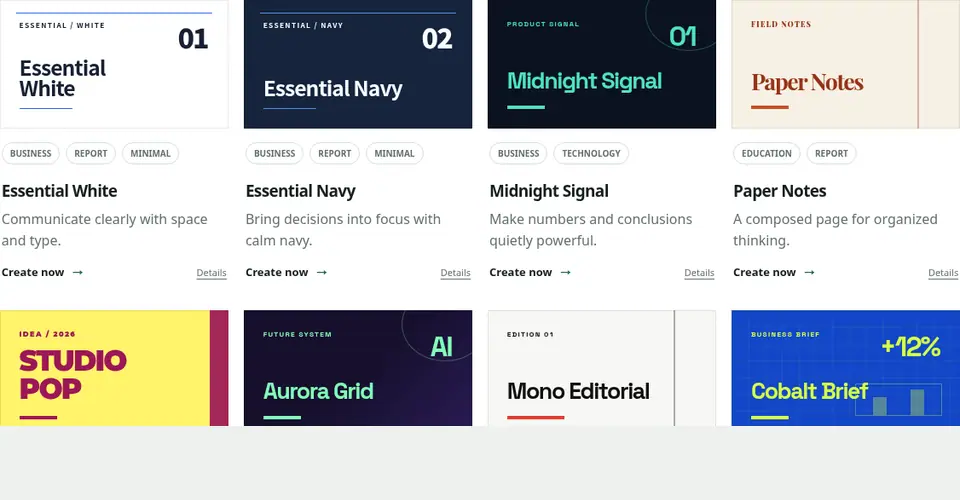
Choose a design that fits your purpose in the gallery and open the editor with “Use this template.” The starter includes examples of a cover, agenda, content, and closing slide.
Replace the sample content
Replace headings and body text with your own content. A standalone --- separates slides. Make small edits and check the preview as you work.
- Keep the structure and replace the sample copy
- Review one slide at a time
- Export the file when the Deck is ready
Review before you finish
Check each Preview for titles inside the frame, unclipped body text and tables, and correct links and numbers. After exporting PDF or PowerPoint, open every page in the application you will use to present it.