Account and saving

Manage sign-in methods and passwords

Use Google or email sign-in and manage password setup, reset, and email changes.

Actual interfaceReview sign-in and password settings
1 / 2
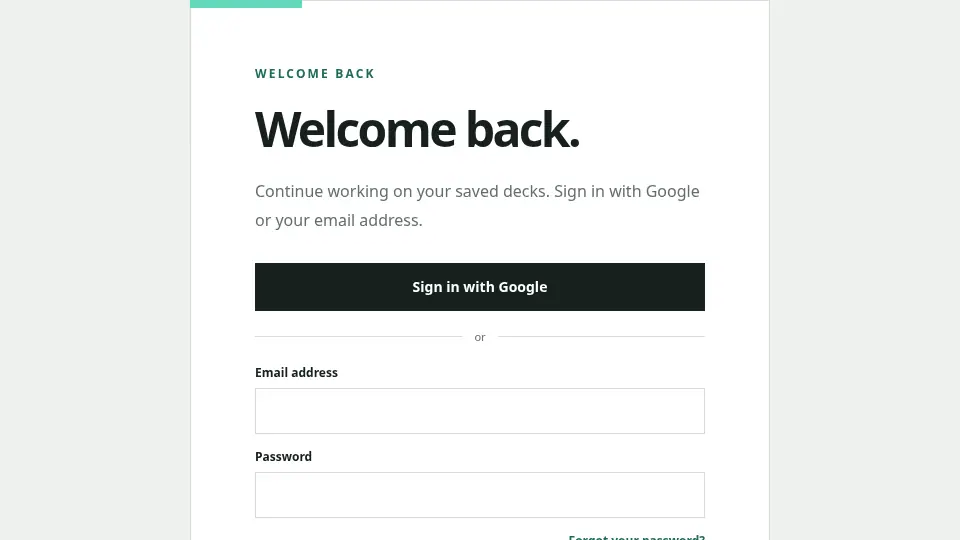
Sign in with Google or with an email address and password.
The login and Account settings screens lead from status review to the required action.

Review your sign-in methods

Settings shows the current email, Google connection, and password status. You can add a password to an Account created with Google by confirming the verified email.

Confirm changes by email

Password setup, password reset, and email changes use confirmation email. Check the destination in the confirmation dialog and open the single-use link before it expires.

If the issue continues, contact us with the error message and time. Do not include passwords or Markdown content.

Contact →