Signed-out edits stay in the browser
When signed out, edits are a local draft in the same browser. They do not sync to another device or browser and are lost if you clear that browser data.
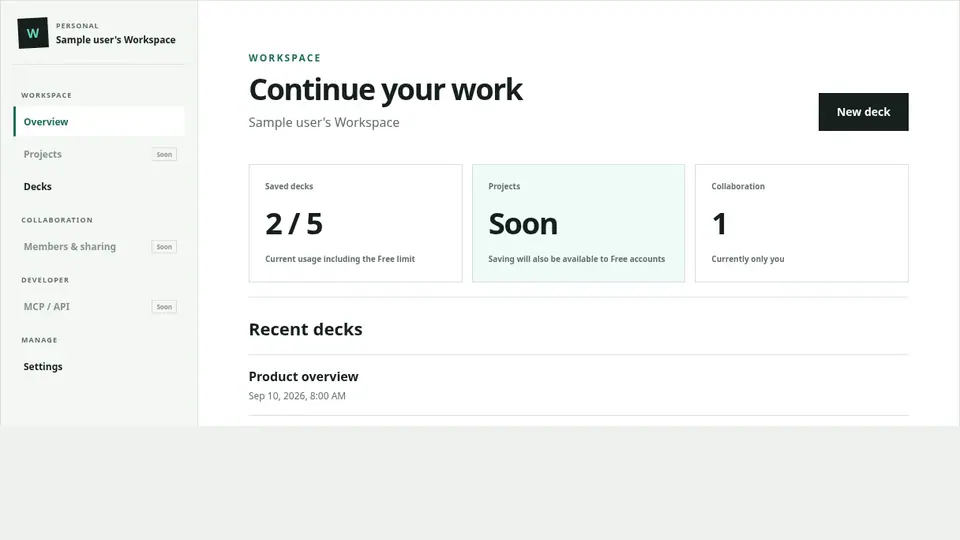
Signed-in Decks appear in Workspace
After sign-in, Save links the Deck title, Markdown, template, and update information to your Account. Reopen it from “Saved decks” in the Workspace.
Confirm that saving completed
Wait for the success state after Save before closing the page. Keep a local copy of important Markdown or exported files as well. If saving fails, leave the editor open, record the visible error, and try again.