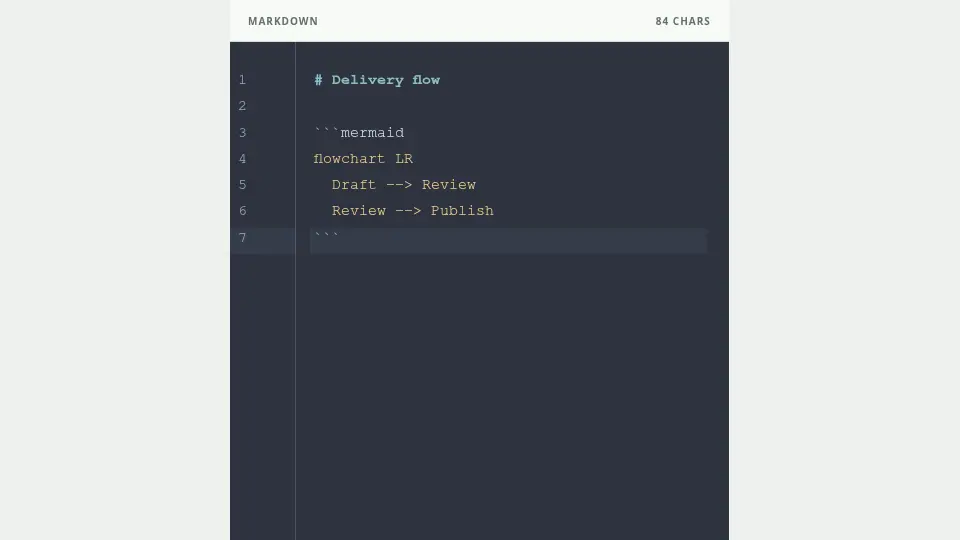
Use a mermaid code block
Place the syntax inside a triple-backtick block marked mermaid. Marplio supports verified flowchart, sequence, state, class, and ER syntax.
Stay within the safe subset
Use one diagram per slide. External links, click actions, HTML, init blocks, and arbitrary style directives are disabled. Start from an example in the Markdown reference and replace its content.
Match the diagram to its purpose
Use a flowchart for process and decisions, sequence for time-ordered interactions, state for transitions, and ER for data relationships. Keep the node count readable and split a complex diagram into stages across slides.