Review before exporting
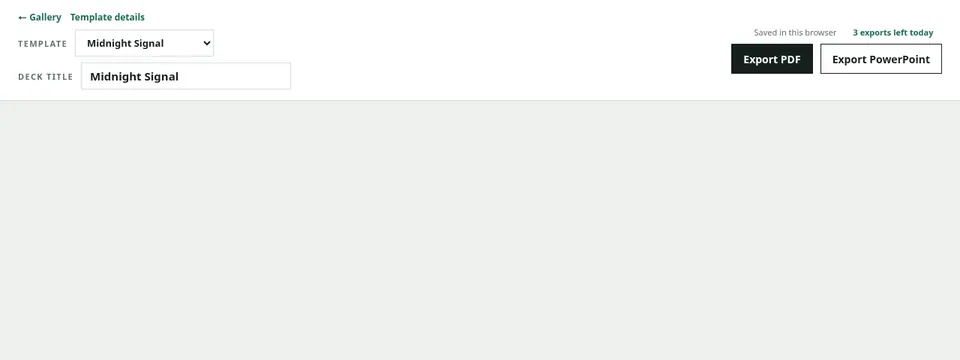
Choose “Export PDF” at the top of the editor. Stay on the page until generation finishes and allow the browser download. The file includes slide backgrounds and a 16:9 page size.
If export stops
Marplio stops when another export is running, the daily limit is reached, or the source exceeds an input limit. Do not repeatedly click the button; review the displayed message before trying again.
Inspect the file before sharing
Open the downloaded PDF and verify the page count, backgrounds, images, Charts or Mermaid, links, and final slide. Remove confidential information and any remaining starter content before distribution.