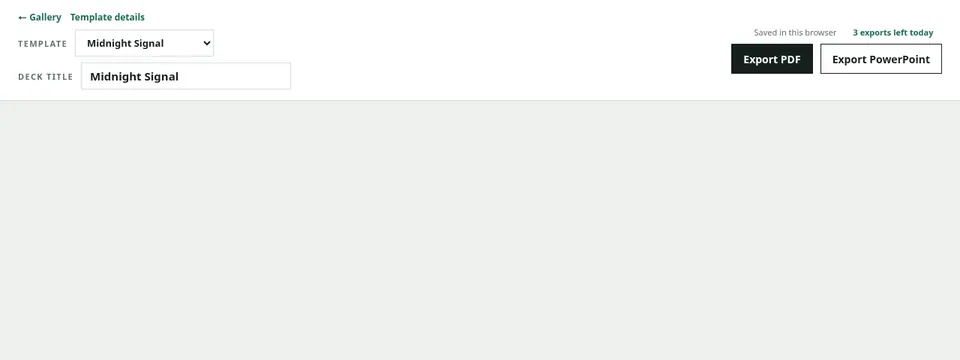
Export the standard PowerPoint
Choose “Export PowerPoint” at the top of the editor. The standard format prioritizes matching the Preview when placing each slide in PowerPoint.
Editing is a separate capability
The visual-fidelity format does not guarantee that every word and shape can be edited independently. Editable PowerPoint is released gradually as Account Early Access and appears only when it is available.
Review in the application you will use
Open the file in the actual presentation application, such as PowerPoint, Keynote, or Google Slides. Verify page count, spacing, fonts, animation behavior, and image resolution before presenting or sharing.