Read the displayed state
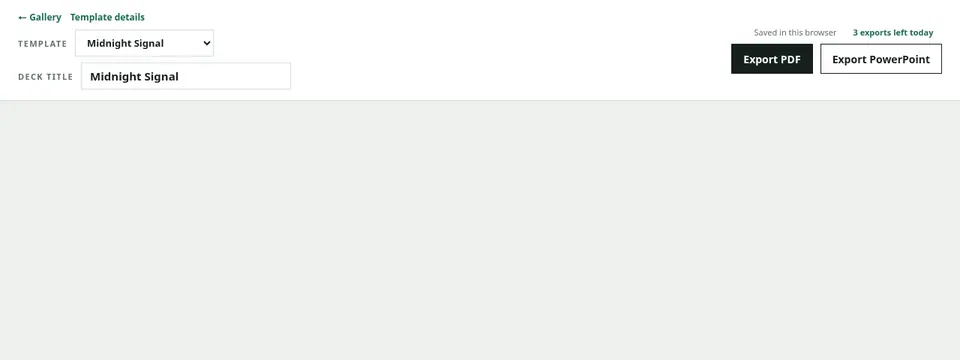
Wait while the button says it is generating. Try after the midnight reset when the daily limit is reached. Stop repeated actions when another file is already being generated.
Test with a smaller Deck
If the starter exports, reduce the page count, Chart or Mermaid count, long code, and large tables in the original Deck. If it still fails, contact support with the error text and time.
Do not repeat the same request
Repeated attempts without changing the source may trigger usage or server-protection limits. Correct the input and retry once. If it still fails, preserve the Markdown and contact support instead of continuing to submit it.