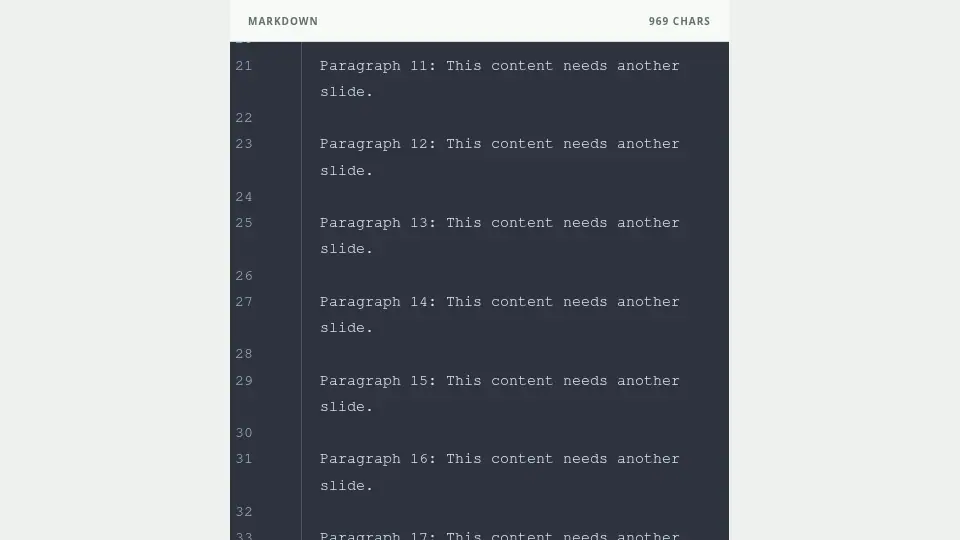
Review the warned slide
A warning near the editor line numbers means the slide may exceed its available height. Check the top and bottom edges and wrapped list items in the preview.
Split before shrinking
Shorten the copy, simplify list items, divide a table, or move content after a new ---. Avoid solving the issue with unreadably small text or hidden overflow.
Check the exported file too
Even after the Preview warning is resolved, line wrapping can change in an application with different font metrics. Open the PDF and PowerPoint and verify the title, final line, and bottom of every table.