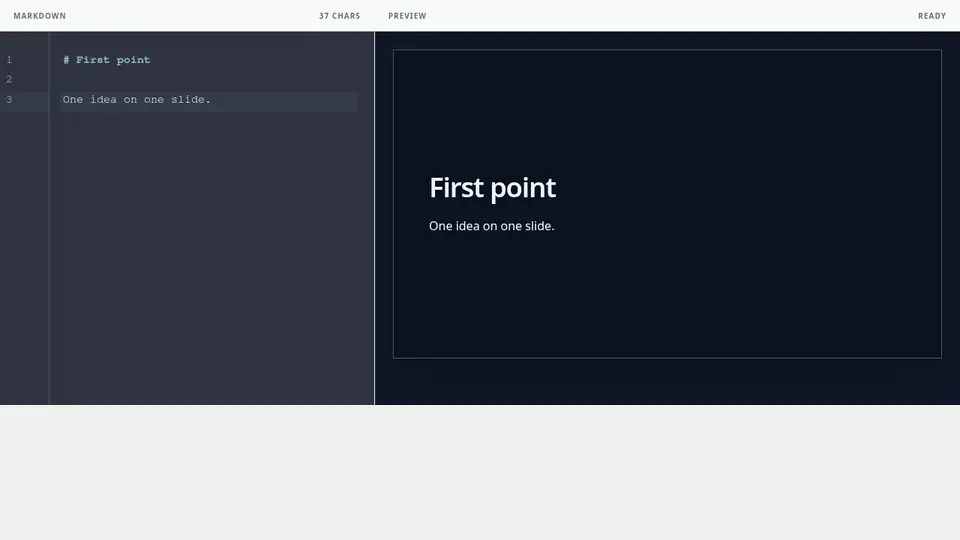
Separate with a standalone ---
Place --- on its own line with a line break before and after it. The following content begins a new slide. A --- inside fenced code is not treated as a separator.
Keep one message per slide
Split the content before it exceeds the slide frame. Separating a conclusion from its evidence is usually more readable than shrinking all text.
Know what is not a separator
A --- inside a sentence, inline code, or fenced code block does not separate slides. To create a new slide, close the code fence and place --- alone between blank lines.