When automatic formatting applies
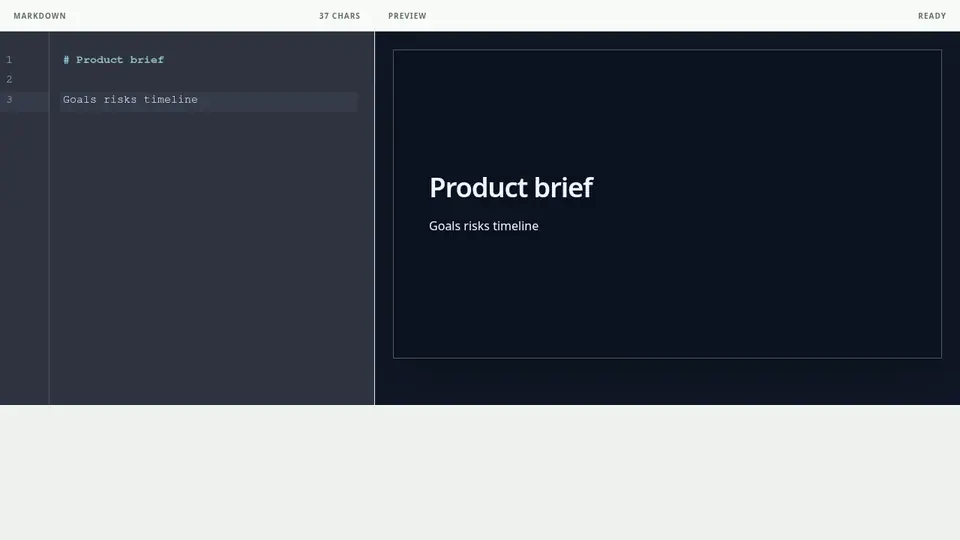
Paste Markdown containing one H1 and at least one H2 into an empty editor, or replace the entire document, to split it into slides by heading. Common list markers are normalized to Markdown.
Existing structure is preserved
A Deck that already contains ---, _class, front matter, or fenced code is not reformatted. If the result is not what you intended, use Undo once immediately after pasting.
Review the formatted result
Automatic formatting does not judge the meaning or ideal number of slides. Keep one main point per slide and move long lists, tables, or code to another slide when needed.