Separate source and connection problems
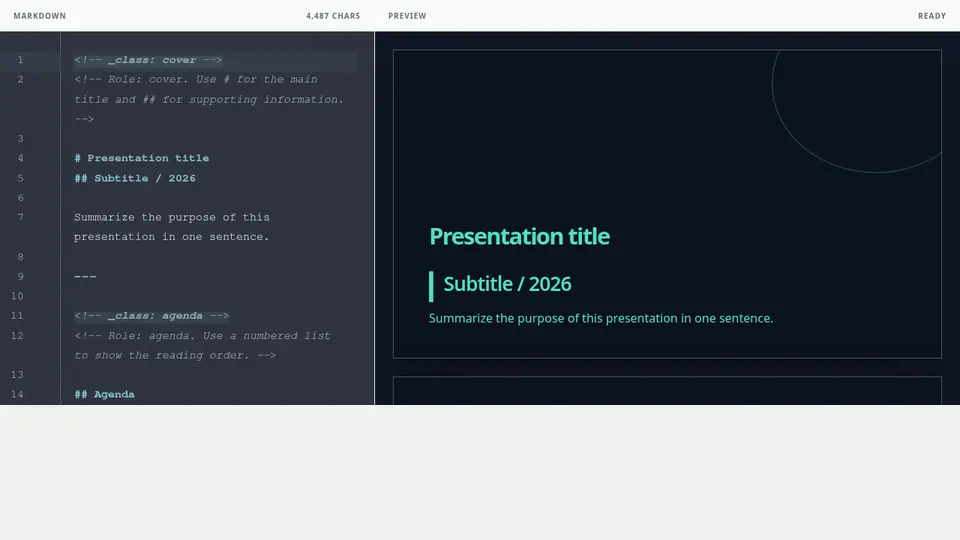
Undo the most recent Markdown change and check whether the known starter renders. Then reload the page and look for a Preview API connection message.
Build a small reproduction
If the starter renders, duplicate only the affected slide and remove the most recently added table, Chart, Mermaid diagram, or long code block one at a time. Keep the original Markdown somewhere else while diagnosing the issue.
If the problem continues
Record the template, action, visible error message, device, and browser before contacting support. Do not send your Markdown content or account password.