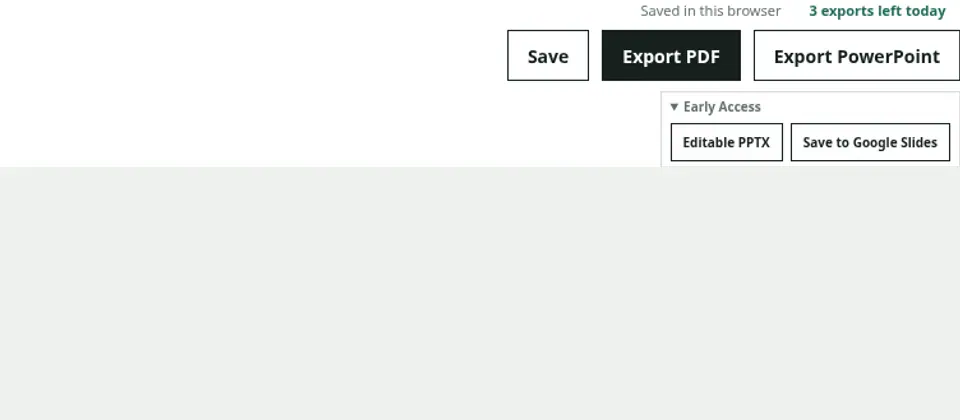
Connect Google only when saving
After signing in, open “Early Access” in the editor and choose “Save to Google Slides.” The first attempt opens Google consent. After you return to the editor with a successful connection, choose the save action again. Signing in to Marplio alone does not request Drive access.
Open the created presentation
When conversion finishes, open the URL for the Google Slides presentation Marplio created. Supported text, shapes, and images are generated as Slides elements. Review every page before sharing because some placement may differ from Preview.
Connection scope and disconnection
The connection uses the drive.file scope for files Marplio creates or selects; it does not request access to read your entire Drive. Review the connection in Account settings and disconnect it there when active. Disconnecting does not automatically delete presentations already created in Google Drive.